
To truly navigate China like a pro, you must download this map app: 高德地图 (Amap, also known as AutoNavi).

We’ve made it super easy for you! 🎉 Download our step-by-step guide that shows:
And hey, if you join one of our experiences, we’ll personally show you how to use Amap plus hook you up with tons of amazing pins—hidden gems, great food spots, and places to continue your adventure long after the tour ends.
Here’s a video walkthrough of the Beijing Map app.
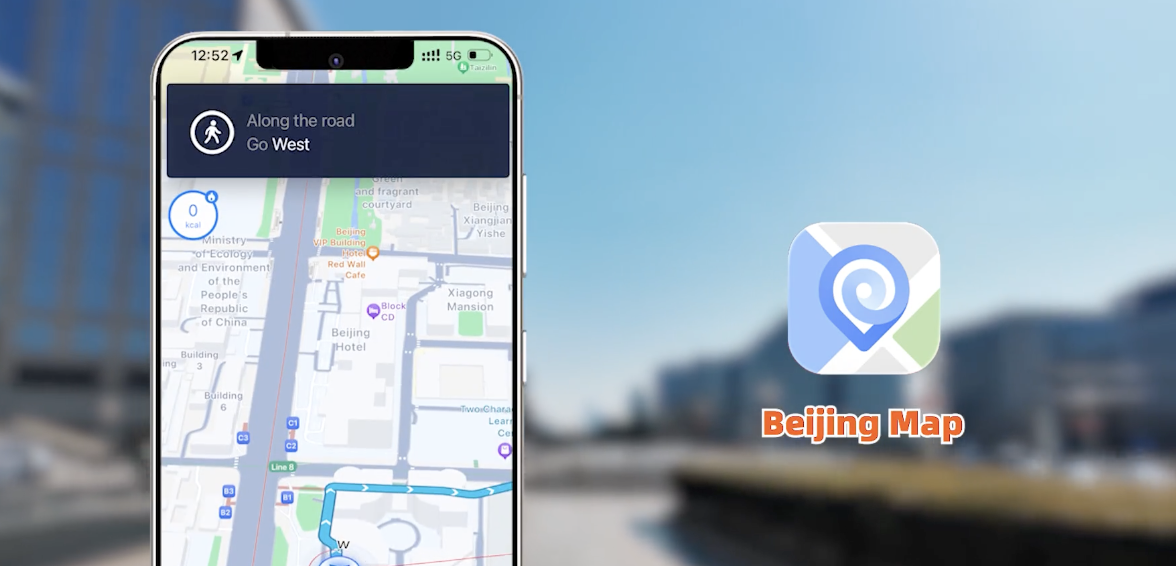
For Amap and Baidu Maps, a Chinese phone number is recommended for full functionality such as booking ride-hailing services, but they work fine without phone number. For Beijing Map, you can download and use basic navigation features without a Chinese number. Apple Maps works with your existing Apple ID. All apps work with GPS, so you can get directions as soon as you land.
No. They all work in China without a VPN. You only need a VPN for Google Maps, which doesn’t work well in China anyway.
Yes. Amap and Baidu Maps both allow you to download offline maps for Beijing before you arrive. Go to “Me” → “Offline Maps” and download the city data while you have WiFi. Apple Maps also supports offline use on iPhones.
Yes. Amap and Baidu Maps both allow you to search for nearby public restrooms (卫生间) and ATMs. Simply type “洗手间” or “ATM” in the search bar, and the app will show you the nearest options. Beijing Map also includes basic POI searches for these facilities.
Amap has a built-in ride-hailing feature within the app — no need to open a separate app.
✨You’re reading a blog from Our Beijing ✨
We design authentic adventures for travelers who want to dive deeper
— cycling through hutongs, tasting Beijing’s favorite snacks, and hiking the wild, unrestored Great Wall.